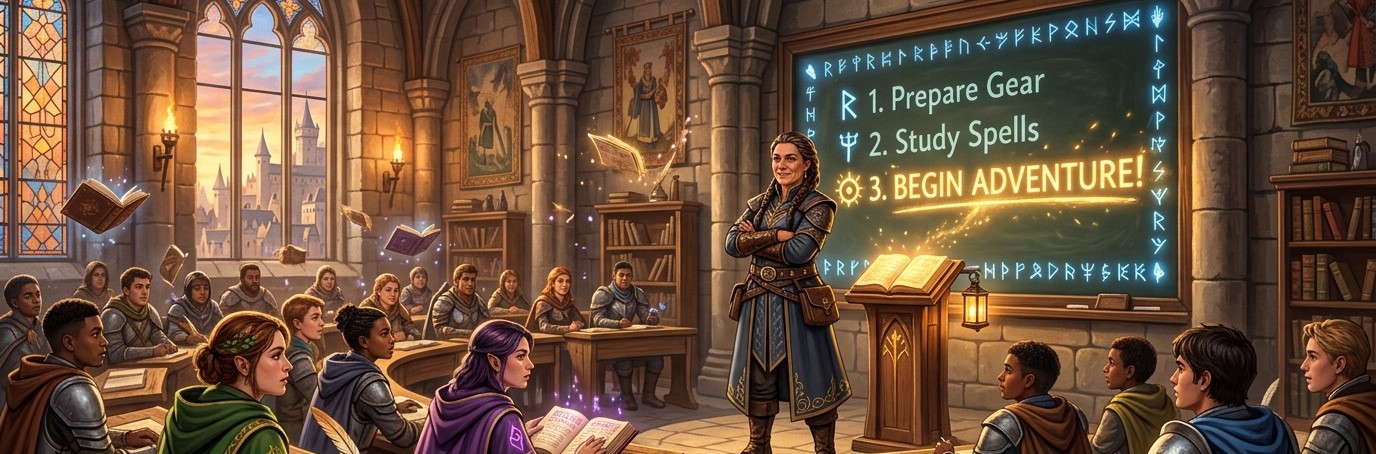
The Setup SEEMS like the Hard Part....But It's Not That Hard.
Let's be honest with each other for a second.
When you first land on the Academy of Heroes teacher dashboard, your instinct might be to quietly close the tab and pretend it never happened.
There's a lot going on there. Boss battles. Quest Hubs. Patrol powers. The Vault. The Forge. Fortune's Wheel. The Great Hunt. It looks like someone handed you the controls to a fully operational spaceship and said "have fun."
I get it. And I want to tell you something important:
You don't have to fly the whole ship on day one.
The Secret Nobody Tells You
Academy of Heroes definately has a learning curve, but here's what makes it different from most tools: the curve is front-loaded.
You put in a bit of work at the start, and then the system mostly takes care of itself. Students level up on their own. XP and gold award automatically. The leaderboard updates in real time. Battles run with just a few clicks (and they are super fun for the TEACHER to run too). Once everything is in place, your job becomes monitoring, nudging, and enjoying the show.
That "setup phase".....the part that feels overwhelming? It's a one-time investment. Teachers who've been running Academy of Heroes for a full semester will tell you: after the first few weeks, it became one LESS thing to manage, not one more. Engagement start to happen by itself. You just need to monitor and tweak it around the edges.
Where to Start (The Actual Minimum)
When you first sign in, the Oracle will walk you through a step-by-step onboarding wizard. Don't skip it. It's short, friendly, and covers exactly what you need in the right order. If you already regsitered, you can start the tutorial anytime with the button in the top right corner of the teacher dashboard header.
Here's the part most people don't realize: the setup wizard gives you a one-click option to pre-populate your entire dashboard with the basic necessities. One button, and you've got a sample Quest Hub, starter quests, and a rewards store already built out — so you can explore how everything fits together before you touch a single setting. If you're the kind of person who learns by poking around a working example, this is your best friend. Once that looks good...add your student via the BULK ADD feature....have your students login....and the adventure has started.
When you're ready to build your OWN content, it comes down to three things:
1. Add your students.
Head to your dashboard and add your class — either one at a time or in bulk using the CSV template. Students create their own accounts and choose their hero class (Guardian, Mage, or Healer). This step takes about 15 minutes for a class of 30.
2. Have one Quest Hub. Either your own....or the starter quest hub. You can add your OWN lesson content.
Think of a Quest Hub as a unit of study. Give it a name, add a chapter or two with your learning objectives, and you've got your students' first quest. You don't need a full semester mapped out. One hub. That's it.
3. Have one Boss Battle. Either your own...or use the starter one for practice.
This is where the magic happens. Create a battle with a handful of questions tied to your current content. Pick a boss image. Set a timer. Done. Your students will lose their minds the first time they cast a powerl and watch the boss take damage together.
That's it. Whether you start from the pre-built sample or build from scratch, you'll be ready to run your first session faster than you think. The other stuff can all be added later.....and trust me...your students will be HOUNDING you to do it.
What You Don't Need to Touch Right Away
Here's a partial list of things sitting on your dashboard that you can completely ignore until you're ready:
- The Vault (Rewards Store) — set it up when you want students spending their gold on something..or just use the started rewards...which are FULLY editable to suit your own classroom.
- Patrols — great for homework and independent review, but not a day-one necessity
- Duels — student vs. student battles, whenever you want to add some competitive energy
- Fortune's Wheel — a spin wheel for random class events, purely for fun
- Companies — group management for dividing your class into teams (powerful, but optional)
- The AI Oracle — generates quests, battles, and patrol questions for you automatically (huge time saver once you're ready)
- Voice Chat — live audio during battles (Archmage tier feature, always there when you want it)
None of these need to exist for a great first session. Add them to your toolkit one at a time, whenever something sounds fun or useful.
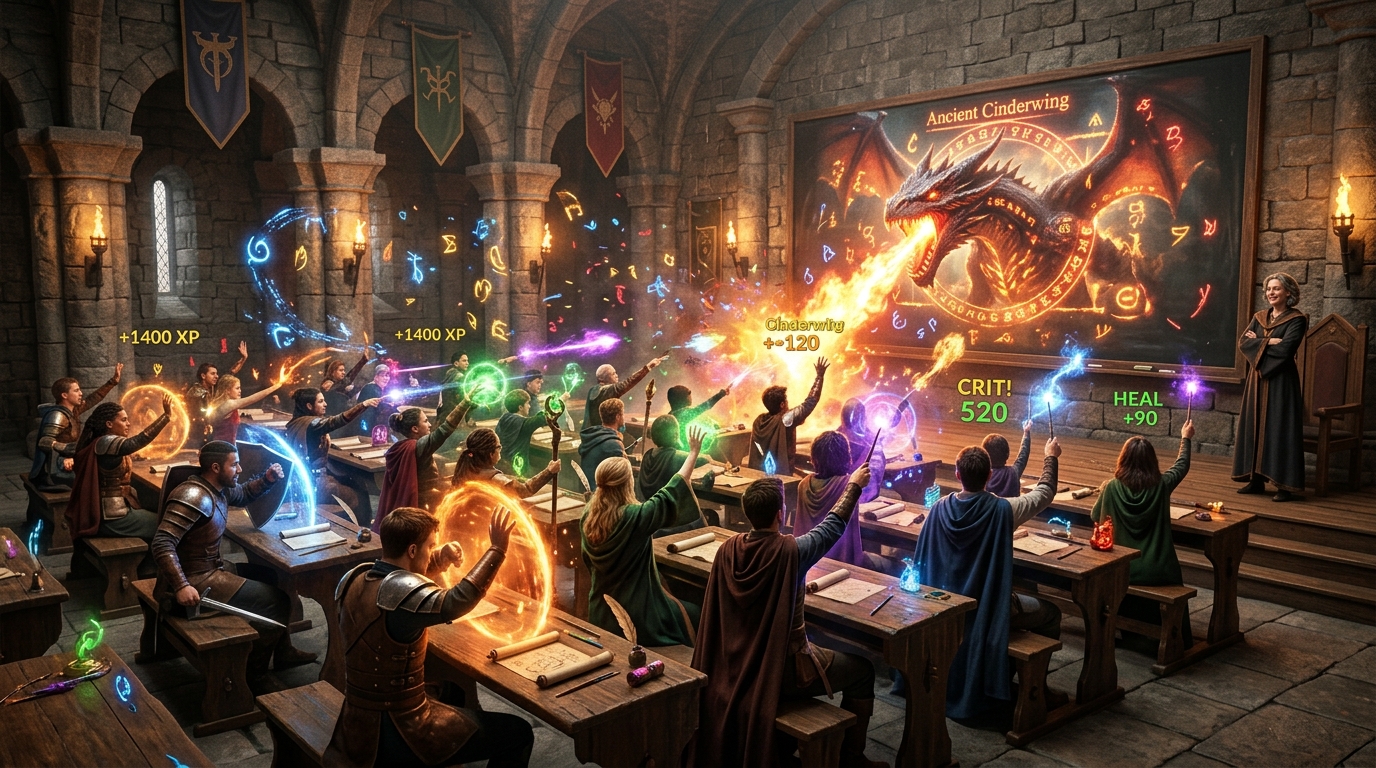
What It Feels Like After Setup
Here's what teachers tell us once the initial setup is behind them:
Your still using your own lessons and curriculum (you just paste them into the lesson section of the chapter). You're still teaching. But the moment students open their dashboards, something shifts. They're invested. They're watching their XP. They're checking the leaderboard. They're asking when the next battle is.
The gamification layer runs quietly in the background — rewarding the behavior you already want, encouraging the engagement you already work for. You don't have to manage it. You just have to show up and teach.
You've Got This
If you're sitting on the fence, here's my honest advice: sign up, run the onboarding wizard, and give yourself one free afternoon to get the basics in place. By the end of it, you'll have a living, breathing classroom RPG — and a group of students who can't wait for Monday.
The hardest part is starting. And you're already reading this, which means you're almost there.
Start Your Free 30-Day Trial →
We're here for every step of it — questions, concerns, or even to walk you through the initial setup directly. And because we're still a growing platform, we're genuinely happy to jump on a Zoom or Google Meet call and set things up with you personally. Just send us an email at support@academy-heroes.com and we'll get something on the calendar.
Ready to bring the adventure to your classroom?
Academy of Heroes turns your class into an RPG — students level up, earn abilities, and go on quests. Free to try, no credit card required.
Start Your Free Trial →